WordPress Security for Marketing Agencies: How to Protect Your Reputation and Your Clients


image fro wordpress security, seguridad wordpress

Why security is a competitive advantage for agencies

In today’s competitive market, WordPress security is more than just a technical issue — it’s a strategic advantage that protects your business continuity, client data, and brand credibility.

A secure website isn’t just about avoiding hacks — it’s about safeguarding your reputation as an agency and ensuring your clients’ trust.

A solid WordPress security strategy helps you:

  • Prevent attacks, downtime, and data loss.
  • Protect sensitive information and client assets.
  • Strengthen trust and retention.
  • Enhance your reputation as a reliable digital partner.

The recommended process for agencies

Managing multiple WordPress installations multiplies your exposure to risk. These best practices keep your clients’ sites secure — without slowing your workflow.

1. Software and update management

  • Update WordPress core, plugins, and themes across all client sites. Each new version patches known vulnerabilities.
  • Remove unused plugins and themes — even inactive components can be exploited.
  • Avoid “nulled” or pirated plugins — they often contain malware and never receive security patches.
  • Keep only one active base theme and a default theme for testing.

Agency tip: use centralized management tools (like ManageWP, MainWP, or WP Umbrella) to automate updates and save hours of manual work.

2. Access control and authentication

  • Delete the default “admin” account and create unique usernames for each administrator.
  • Use strong passwords and two-factor authentication (2FA) on every account.
  • Apply the principle of least privilege — give each user only the access they truly need.
  • Revoke old or inactive accounts when projects end or staff changes occur.

This dramatically reduces the chance of unauthorized access, especially in distributed or hybrid teams.

3. Login protection

  • Limit login attempts and enable reCAPTCHA.
  • Change the default login URL (/wp-login.php) and add server-level protection to the wp-admin directory.
  • Enable automatic session timeouts for inactive users.

These small adjustments stop thousands of brute-force attempts each week.

4. File and server security

  • Protect wp-config.php by moving it outside the public directory and setting permissions to 600.
  • Disable the built-in file editor via DISALLOW_FILE_EDIT in wp-config.php.
  • Use correct permissions: 755 for folders, 644 for files.
  • Change the database prefix and disable directory listing to prevent SQL injection and path discovery.

If your agency uses shared hosting, make sure the provider offers account isolation, proactive monitoring, and daily backups.

5. Network and communication security

  • Force SSL/TLS (HTTPS) site-wide.
  • Deploy a Web Application Firewall (WAF) and, if possible, a CDN that filters malicious traffic.
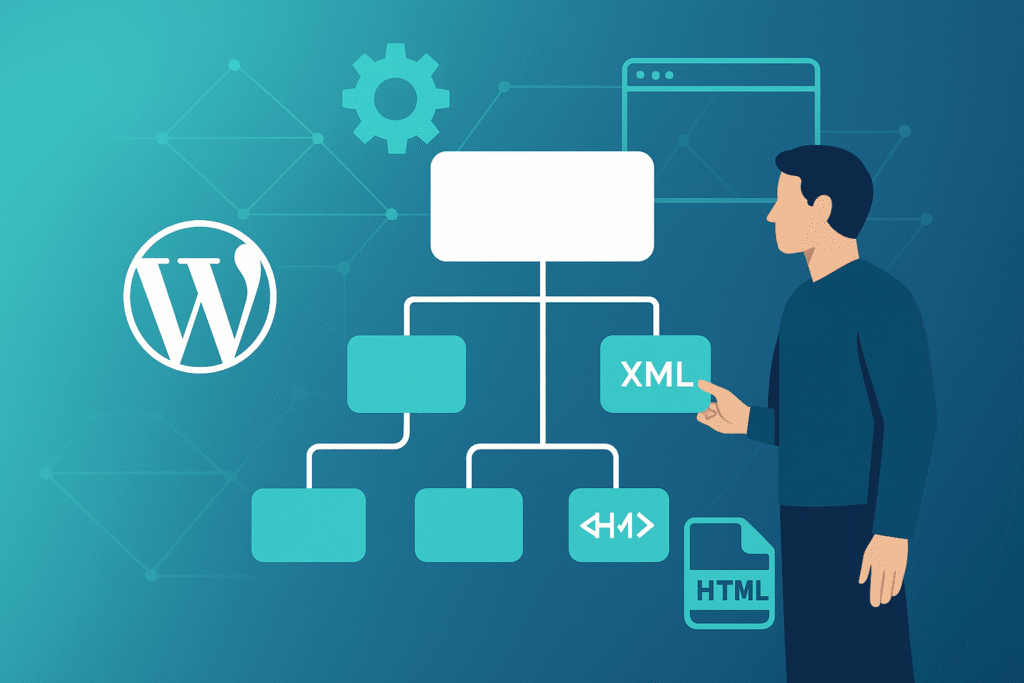
  • Disable XML-RPC unless absolutely required.
  • Add security headers such as
    Content-Security-Policy, X-Frame-Options, and X-XSS-Protection.

These settings not only strengthen protection but can also improve SEO performance by aligning with Google’s best-practice signals.

6. Monitoring and maintenance

  • Scan for malware regularly to detect file or code changes.
  • Automate off-site backups for both databases and files.
  • Track user activity and receive alerts for suspicious actions.
  • Hide the WordPress version tag and keep PHP updated.

Consistent maintenance minimizes incidents and reinforces your agency’s professionalism.

7. Secure development principles

If your team builds custom themes or plugins:

Secure code not only prevents attacks — it also reduces support tickets and ensures scalability for client projects.

Common mistakes agencies make

  • Installing pirated (“nulled”) themes or plugins.
  • Failing to test or verify backups.
  • Running outdated versions of PHP or WordPress.
  • Relying on a single security plugin without fine-tuning its settings.

Each of these can compromise your brand faster than you think.

Conclusion: Security as a brand value

Security is not a cost — it’s a strategic investment.
A secure WordPress environment protects your brand, your clients, and your reputation.
When every layer — from the server to user access — is under control, your agency can scale confidently and focus on growth instead of firefighting.

Want to strengthen the security foundation of your WordPress projects?

Download the Complete Guide for Marketing Agencies and learn how to scale your WordPress services without worrying about technical support.

FAQ

1. Why is WordPress security a competitive advantage for agencies?

Because security directly impacts client trust, retention, and brand reputation.
A secure environment reduces downtime, prevents data loss, and helps agencies deliver reliable results — which differentiates them from competitors who treat security as an afterthought.

2. How does weak security affect an agency’s reputation?

Even a small security breach can damage your agency’s credibility, create client frustration, and generate emergency workload.
Clients expect agencies to protect their websites and data, so weak security quickly becomes a business risk, not just a technical issue.

3. What are the most important security tasks agencies should prioritize?

The core priorities are:

  • Keeping WordPress, plugins, and themes updated
  • Managing access privileges correctly
  • Securing logins with 2FA and limit attempts
  • Configuring servers and file permissions properly
  • Enforcing HTTPS and adding security headers
  • Monitoring activity, backups, and malware scans
  • If these fundamentals are in place, the risk of a breach decreases dramatically.

4. Why should agencies avoid pirated (“nulled”) themes and plugins?

Nulled plugins/themes often contain malware, hidden backdoors, or injected spam code.
They never receive security updates and frequently create vulnerabilities that attackers exploit.
Using them puts client websites and your agency’s reputation at immediate risk.

5. What access control practices reduce the risk of unauthorized logins?

Agencies should:

  • Delete the default “admin” username
  • Use unique, strong usernames for each user
  • Enforce two-factor authentication
  • Apply the principle of least privilege
  • Remove old or inactive accounts immediately
  • These steps drastically reduce the chance of credential-based attacks.

We are your technical ally for all things WordPress, so you can focus on growing your business.

Quote Icon
Working with Wordpress Ongoing has been a dream. The team are highly responsive, fast working and have always been accommodating to us. They've built multiple custom coded WordPress websites for us. Highly recommend.
Samuel Rawlings
Samuel Rawlings
Director at First Rate Marketing

Empower Your WordPress Journey

Group collaborating around a laptop.

If you’re working on WordPress-related projects and need dependable WordPress development support, WordPressOngoing can help. We focus on building long-term partnerships by delivering high-quality work, fast solutions to issues, and consistently responsive communication—so your team can move forward with confidence.