Web Design and SEO in WordPress: Best practices for attractive and well-positioned sites.


In the digital marketing world, design without an SEO strategy is only half the job.
Many agency owners face the same problem: visually stunning websites that don’t attract traffic, leads, or results.
The key is to integrate design and SEO from the planning stage, especially when working with WordPress, where structure, speed, and semantics directly impact site performance.
In this guide, you’ll learn how to structure your WordPress projects so they look great, load fast, and rank higher than the competition.
An attractive site means nothing if no one can find it or if it takes forever to load.
For an agency, this means lost reputation, wasted time, and missed opportunities.
By aligning SEO and design from day one, you ensure that your website is functional for users and visible to Google.
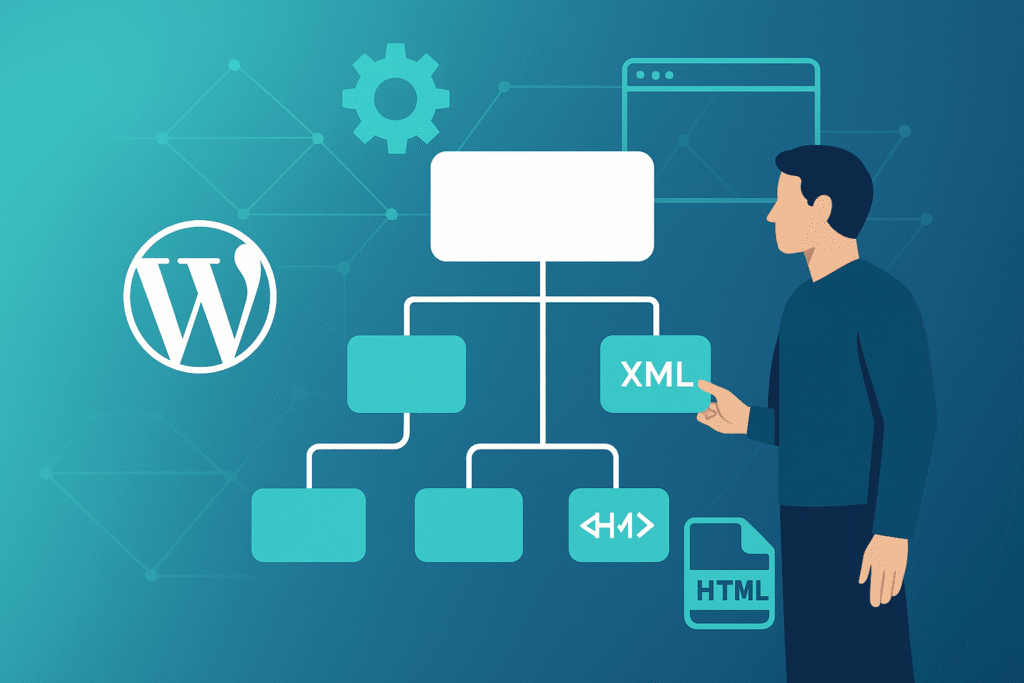
A clear structure is the backbone of every SEO-friendly site.
Organize URLs and categories logically to reflect your client’s business:
/services/wordpress-web-design/services/technical-seo/blog/wordpress-speed-optimizationThe simpler and more consistent the structure, the better the crawling, indexing, and user experience.
The main menu is your site’s GPS.
An intuitive, well-thought-out navigation reduces bounce rate and improves conversions — especially important for agencies offering multiple digital services.
Pro tip: build your navigation around the user journey, not your internal service structure.
Internal linking is one of the most powerful yet underused SEO tactics.
<nav>, <header>, <article>, and <section> so Google clearly understands each block.Example: from a blog post on “speed optimization,” link to your “WordPress maintenance” service.
Design should be built around content, not the other way around.
Before creating layouts, define:
Write headlines, copy, and metadata before you design — this keeps your structure semantic and SEO-focused.
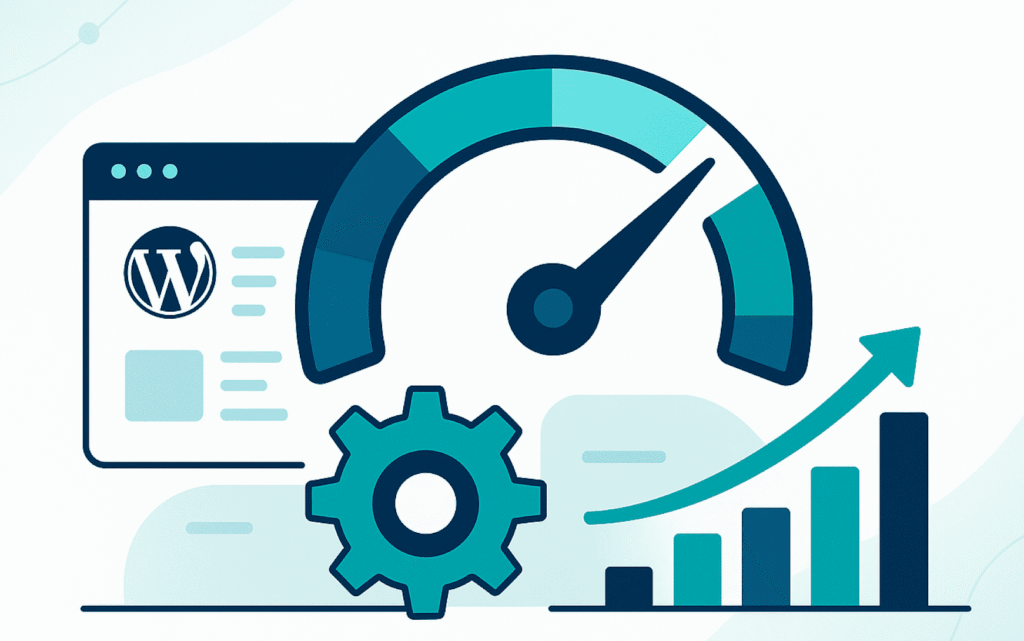
Nothing kills conversions faster than a slow site.
For agencies managing multiple clients, this issue multiplies: every extra second of load time costs rankings and trust.
Best practices:
| Benefit | Impact on Your Agency |
|---|---|
| Higher visibility | Google rewards fast, well-structured websites. |
| Better user experience | Smooth navigation = lower bounce, higher leads. |
| Saves time and cost | Avoid rebuilding poorly ranked sites later. |
| Stronger brand authority | Clients associate speed and performance with expertise. |
Structure your wireframes with SEO in mind — clear H1–H3 hierarchy and internal linking paths planned in advance.
Design mockups in Figma or Adobe XD using real content.
Limit fonts to 3, ensure strong contrast and readability.
If you want to learn about our WordPress development process, click here.
Agencies that integrate design, content, and technical SEO from the start don’t just build pretty websites — they create high-performing digital ecosystems.
Every project becomes an opportunity to strengthen client visibility and position your agency as a WordPress performance leader.
Want your WordPress projects to be faster, smarter, and more scalable?
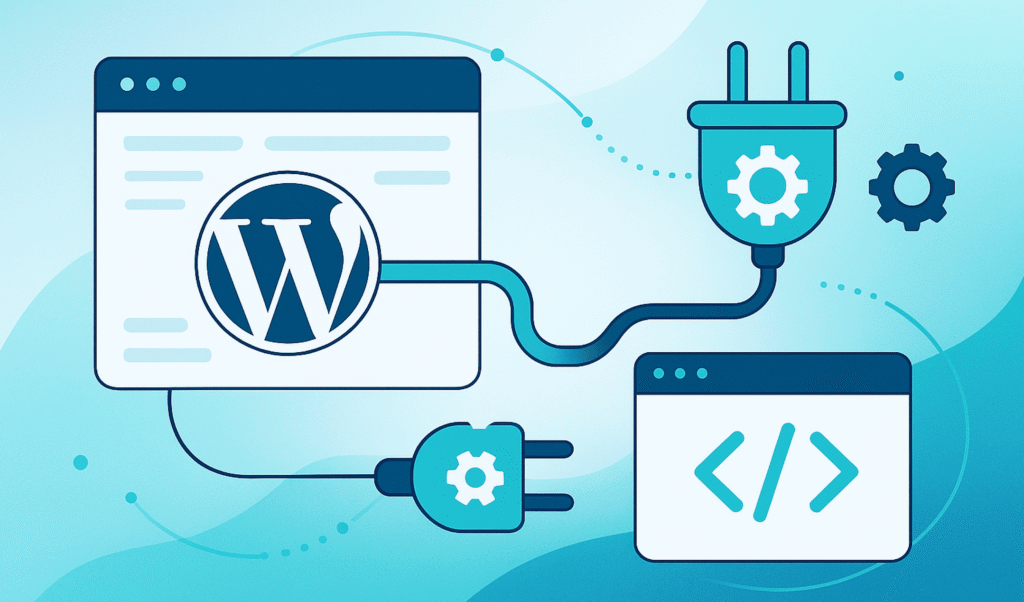
At WordPress Ongoing, we handle the technical support and SEO optimization for your client websites — so your team can focus on strategy and growth.


Empower Your WordPress Journey

If you’re working on WordPress-related projects and need dependable WordPress development support, WordPressOngoing can help. We focus on building long-term partnerships by delivering high-quality work, fast solutions to issues, and consistently responsive communication—so your team can move forward with confidence.


