Plugin Development: What Plugin Is and How to Use It to Scale Your WordPress Services


Plugin Development
For marketing agencies, the real competitive edge no longer lies only in design or SEO — it’s in the ability to create tailored solutions that expand WordPress’s capabilities without relying on external tools.
Developing custom plugins allows agencies to offer recurring services, build proprietary products, and solve client-specific problems in a scalable way.
In other words, mastering plugins gives your agency technological ownership within the WordPress ecosystem.
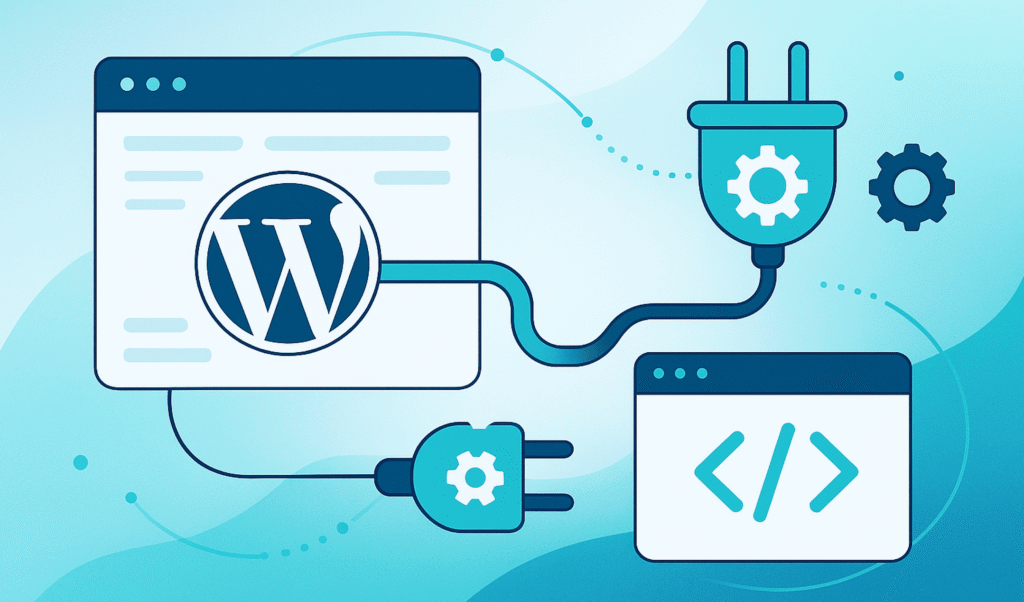
A plugin is an extension that adds or modifies WordPress functionality without changing the platform’s core files.
Think of it as installing an app on your phone — it adds new features (forms, SEO tools, integrations, etc.) without altering the operating system.
Plugins let you:
For an agency, that means speed, control, and flexibility.
If you need a plugin, you can Go to WordPress Plugins
A plugin is essentially a small “module” inside the /wp-content/plugins/ directory.
It contains PHP, CSS, and JS files that connect to WordPress through hooks — actions and filters that let you interact with the system without editing its core.
Think of hooks as switches: WordPress provides them, and your plugin “hooks” into one to perform its function — for example, display a banner, modify a form, or connect to an API.
This modular approach keeps projects stable, secure, and easy to maintain, even as WordPress evolves.
Example: An agency could create a plugin that syncs form submissions to HubSpot — and then monetize support and premium upgrades.
Start with the client’s problem and how the plugin adds measurable value — not just technical curiosity.
Design the folder structure for clarity and reusability:
my-plugin/
├── my-plugin.php
├── includes/
├── assets/
└── readme.txt
Use a unique prefix (e.g., agency_plugin_) to avoid conflicts with other plugins.
Work in a local environment (Local, XAMPP, DevKinsta, etc.).
Test thoroughly before deploying to live sites.
Document everything — it’s essential for team scalability and long-term maintenance.
Analyzing how these plugins are structured helps your team adopt stronger UX and coding practices.
At WordPress Ongoing, we help agencies build, maintain, and scale their WordPress projects — without the stress of technical support.
Learn more in our Complete Guide for Agencies.
Plugin development isn’t just about coding — it’s a strategic growth lever for agencies that want to scale, differentiate, and generate recurring income.
By mastering it, your agency gains a sustainable way to innovate, retain clients, and streamline operations within the WordPress ecosystem.



Empower Your WordPress Journey

If you’re working on WordPress-related projects and need dependable WordPress development support, WordPressOngoing can help. We focus on building long-term partnerships by delivering high-quality work, fast solutions to issues, and consistently responsive communication—so your team can move forward with confidence.


