How to optimize the speed of your WordPress site to improve SEO, conversions, and performance
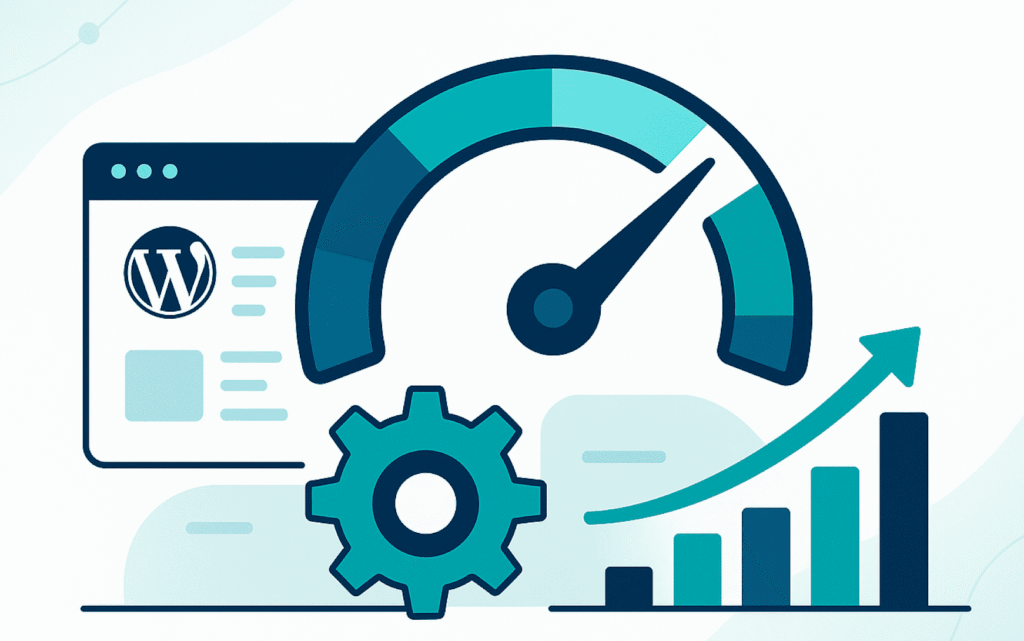


In a digital environment where every second matters, the loading speed of your WordPress projects is a decisive factor for SEO, user experience, and conversions. For a marketing agency, a slow site means lost traffic, lower Google visibility, decreased sales, and a damaged brand perception.
In this practical guide, we explain why speed optimization is not optional and how to achieve it without relying on “miracle plugins.”
You will learn:
By the end, you will have a clear plan to improve your site speed and boost performance without sacrificing design or functionality.
If you run an agency and want to learn how to scale your WordPress services without worrying about technical support, check out Complete Guide for Agencies.
Speed optimization is the process of improving a website’s loading time and overall efficiency—from infrastructure to front-end.
A fast website doesn’t just load better: it sells more, retains more, and ranks higher.
A fast site begins with a fast server.
Recommendations:
If the server is slow, no amount of optimization will fix the issue.
💡 Agency tip: offer optimized hosting plans to your clients. It’s a recurring revenue opportunity and ensures consistently fast performance.
The backend processes data — if it’s overloaded, your website slows down.
Optimize:
A clean backend = sustainable performance.
Images account for 60–80% of total page weight on most WordPress sites.
Recommended actions:
| Action | Result |
|---|---|
| Convert images to WebP or AVIF | Reduces size by up to 80% |
| Enable lazy loading | Loads only visible content |
| Smart compression | Preserves visual quality |
| Resize before uploading | Prevents heavy files |
Recommended tools: ShortPixel, Imagify, TinyPNG.
Users don’t see your server — they see the interface.
A beautiful design means nothing if it slows down your site.
Improvements:
Fewer scripts = more speed.
If it doesn’t add measurable value, remove it.
Optimization isn’t a one-time task.
Monitor real performance metrics using tools like:
When you notice performance drops, act quickly — consistency creates stability.
| Principle | Recommended Action |
|---|---|
| Less is more | Use only essential plugins. |
| Clean code = fast site | Keep queries and assets under control. |
| Smart caching | Combine page, object, and browser caching. |
| Constant measurement | Optimize based on real data, not assumptions. |
These mistakes don’t just affect performance — they hurt your agency’s reputation and client trust.
Key performance indicators to track:
| Metric | Ideal Value | Meaning |
|---|---|---|
| TTFB (Time to First Byte) | < 300 ms | Server response speed |
| LCP (Largest Contentful Paint) | < 2.5 s | Time to load main content |
| INP (Interaction to Next Paint) | < 200 ms | Response to user interaction |
| CLS (Cumulative Layout Shift) | < 0.1 | Visual stability |
Compare these numbers before and after optimization to demonstrate tangible improvements and strengthen your value proposition.
Fixing just these issues can improve site speed by 2x–5x.
For a marketing agency, website speed isn’t just a technical topic — it’s a business strategy.
An optimized site:
✔ Reduces acquisition costs
✔ Improves user experience
✔ Boosts conversion and SEO metrics
✔ Reinforces authority with clients.
To learn how to scale your WordPress services and deliver top-tier technical support without complexity, check out Chapter 1 of the Complete Guide for Agencies by WordPress Ongoing.
📌 Enable caching
📌 Optimize images to WebP
📌 Reduce unnecessary plugins
📌 CDN
📌 PHP + WordPress
Any hosting that supports PHP 8+, server-side caching, and strong performance (Kinsta, SiteGround, WP Engine, Hostinger Pro).
A lot. Google uses site speed as a direct ranking factor.



Empower Your WordPress Journey

If you’re working on WordPress-related projects and need dependable WordPress development support, WordPressOngoing can help. We focus on building long-term partnerships by delivering high-quality work, fast solutions to issues, and consistently responsive communication—so your team can move forward with confidence.


