Is Learning WordPress Simple? Discover the Truth Here!
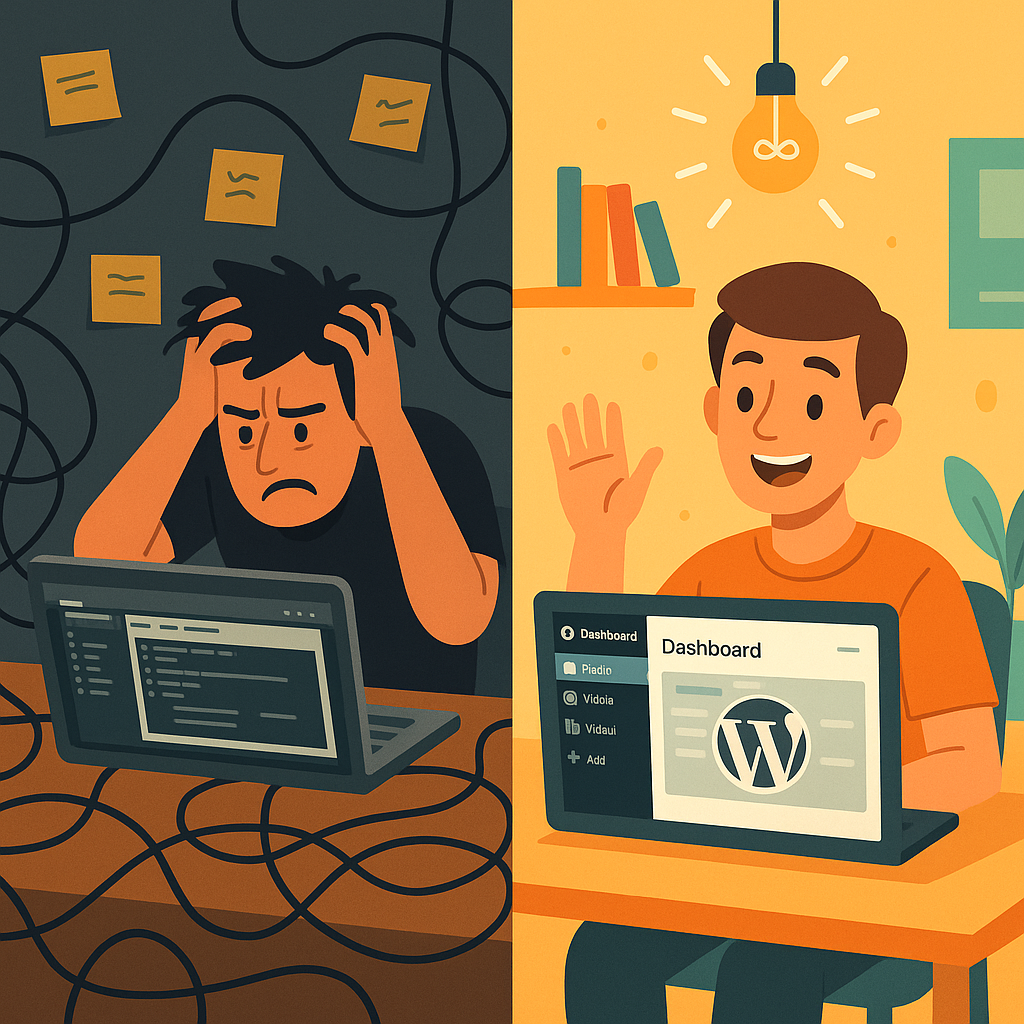


WordPress stands out as a premier choice for anyone selecting a content management system (CMS) for their website. A frequent question that arises is, “Is WordPress simple to learn?”
Absolutely. While there is a learning curve, with some practice, you can create the website of your dreams using WordPress.
However, WordPress differs in complexity compared to other site builders. This is intentional—WordPress provides more customization and long-term benefits, which is a key reason it powers over 43% of all websites online.
Let’s examine how challenging it truly is to master WordPress, the potential hurdles you may encounter, and how you can navigate those difficulties.
If you find WordPress challenging to grasp at first, you’re in good company. The community forums are filled with both beginners and experts posing questions and offering advice.
Here are a few common challenges newcomers often face:
Using WordPress is akin to making a cake from scratch, giving you full control over your web host, domain registrar, layout, plugins, and more. This level of customizability is powerful but can also feel daunting. For those new to the platform, this freedom might feel like a lack of guidance.
Tip: Consider exploring online courses and support materials that can help you in setting up your WordPress site.
The WordPress ecosystem includes unique features and jargon that can be confusing. For instance, distinguishing between themes and templates can be puzzling since both influence your site’s look and feel. Terms like “widgets,” “slugs,” “custom post types,” and “child themes” might take time to master. Until you become familiar with this terminology, navigating WordPress can resemble learning a new language.
Tip: Utilizing a glossary can help you understand key WordPress terms quickly.
The customizability of WordPress means that establishing a website entails several elements, including purchasing a domain, selecting a hosting provider, installing plugins, and customizing your theme. This process can take time, even for seasoned users. However, the time invested will pay dividends in the future, as you’re creating a site tailored to your specific needs.
Tip: If you prefer to outsource your website’s creation, consider finding a website design service that maintains quality while being competitively priced.
The extensive libraries for plugins and themes are filled with thousands of available features. While this is advantageous, the sheer number of options—especially for plugins that serve similar purposes—can be overwhelming. Utilizing overloaded themes or too many plugins can also hinder site performance. Finding the right balance often requires trial and error.
Tip: Look for themes and plugins that are built for optimal performance to help streamline your choices.
With WordPress, you’re responsible for maintaining your website, which involves tasks like ensuring security, regularly updating components, and creating backups. Neglecting these crucial tasks or using unverified plugins can expose your site to performance issues or security vulnerabilities. While managing this maintenance may seem daunting, it’s vital for sustaining a reliable website.
Tip: Considering managed hosting options that handle site maintenance and updates can ease your workload, allowing you to focus on content creation.
Although WordPress can appear intimidating at first, the exceptional flexibility and long-term advantages it provides surpass what most other CMS platforms can offer.
The effort required to learn WordPress is well worth it, enabling you to harness a powerful platform that can adapt as your needs grow. Here are five key benefits of leveraging WordPress:
The most significant advantage of WordPress is its open-source nature, granting you complete ownership of your website, including its content, data, and design. You won’t be confined to a specific platform’s limitations.
In contrast, many other site builders allow for content migration but not the migration of the entire site structure and design.
With WordPress, you can modify every aspect of your website. Whether you want to add functionality through plugins, create a single-page site, or establish a fully-fledged e-commerce site, WordPress supports it all.
Other builders might simplify initial setup, but they often fall short regarding extensive customization.
While most website builders focus on your immediate needs, WordPress prepares for your future. Its customizable nature allows your site to evolve alongside your objectives. When paired with reliable hosting, your site can effectively handle growth and traffic surges, ensuring smooth operation.
Learning how to use WordPress fosters your independence and empowers you to manage your site confidently. You’ll no longer need to rely on developers or support for layout adjustments, feature additions, or content updates.
These skills can be invaluable, enabling you to manage your website successfully and potentially offering your services to others.
Both the WordPress community and support documentation provide ample resources, including concise guides and tutorials. Millions of users across forums and niche communities offer assistance with troubleshooting and site customization.
Now that you recognize why learning WordPress is beneficial, let’s dive into the learning process itself.
Tip: For a head start, seek out tools that facilitate website creation, making it simpler to generate layouts and customize them to your specific requirements.
The timeline for mastering WordPress varies based on your objectives, available time, and prior experience with websites. You can set up a basic site in a day or two, but grasping advanced features will naturally take longer.
Consider beginning your WordPress journey with comprehensive online courses covering fundamental concepts, usually taking around ten hours to complete:
It’s not necessary to complete all three courses to get started—jump right in and learn as you navigate the platform.
The exciting aspect of WordPress and web development is that the learning journey is never-ending; there’s always something new to explore or enhance.
I began exploring WordPress at 17, eager to create a blog to refine my writing skills and delve into content marketing. Initially, I encountered common obstacles, but as I persisted, managing my site became second nature.
This website served as my portfolio, leading to internships and opportunities. More importantly, the knowledge I gained about WordPress itself became a valuable asset.
Learning WordPress is more than just understanding a CMS; it’s about acquiring a skill set that enhances your independence and opens doors to new possibilities.
Whether you’re building your first blog or launching a business, investing time to learn WordPress will yield long-term rewards. Like me, you’ll be grateful for your commitment once you get immersed in this platform.
We’ve touched on courses that explain how WordPress functions and how you can tailor it for your needs. Here are additional resources:
If you need assistance, you can reach out in various ways:

Many of the challenges faced by WordPress users stem from subpar hosting. A slow, unreliable hosting service can hinder your website-building experience.
The solution? Opt for a hosting provider that offers a seamless combination of WordPress’s flexibility, customization, and long-term stability, along with enhanced security and maintenance support.
If you’re working on WordPress-related projects and need dependable WordPress development support, WordPressOngoing can help. We focus on building long-term partnerships by delivering high-quality work, fast solutions to issues, and consistently responsive communication—so your team can move forward with confidence.


Empower Your WordPress Journey

If you’re working on WordPress-related projects and need dependable WordPress development support, WordPressOngoing can help. We focus on building long-term partnerships by delivering high-quality work, fast solutions to issues, and consistently responsive communication—so your team can move forward with confidence.


