Understanding cPanel: Why WordPress.com Chooses Alternatives


Understanding cPanel: Why WordPress.com Chooses Alternatives
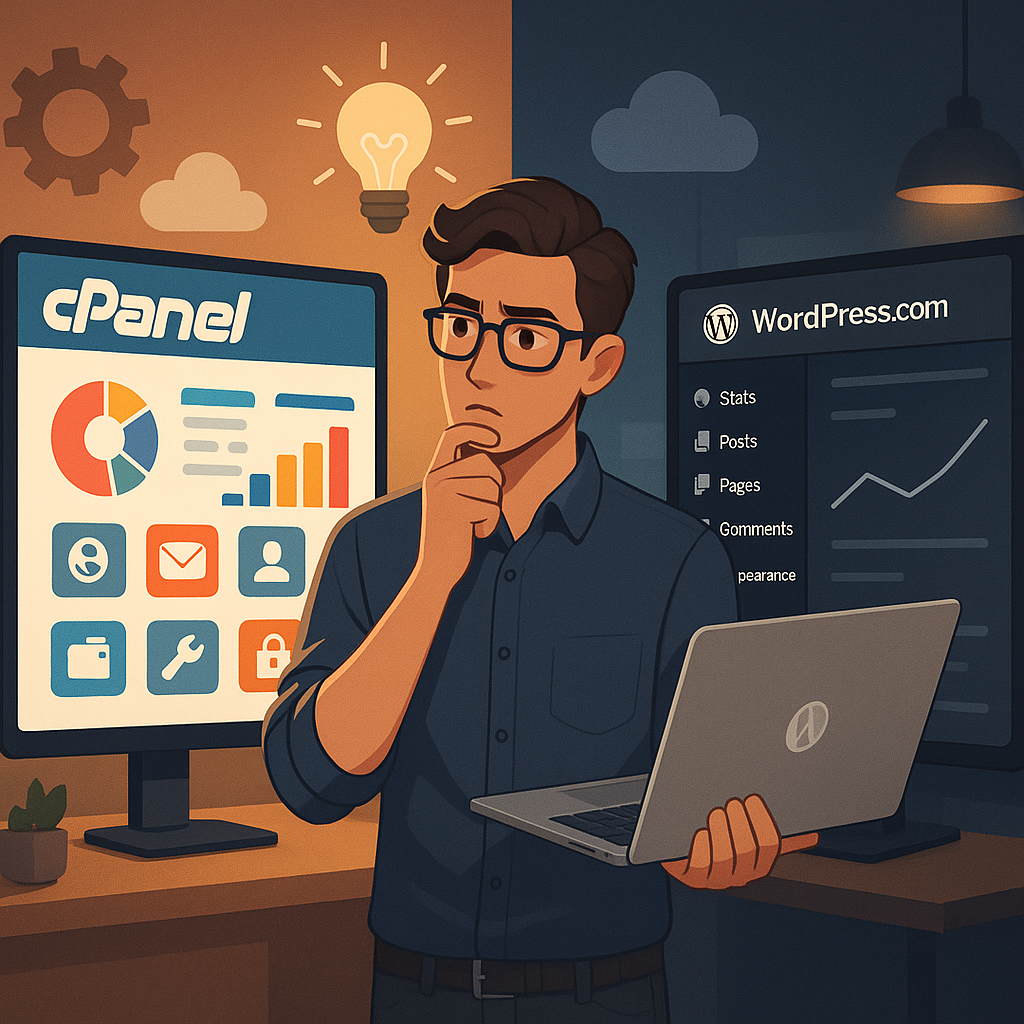
As a WordPress developer, you’re likely familiar with cPanel, a standard control panel found on many traditional hosting platforms. When transitioning to a managed hosting provider, such as a popular option for WordPress hosting, the absence of cPanel may lead to feelings of missing critical features.
This assumption is part of the widespread belief that managed hosting platforms are not developer-friendly due to their lack of cPanel. In reality, these platforms equip you with all necessary development tools while avoiding an outdated interface and unnecessary clutter.
This article delves into what cPanel is, its functionalities, the reasons behind not using it in managed hosting, what alternative solutions are offered, and why you might even prefer these alternatives.
Let’s explore this topic further.
cPanel is a widely used hosting control panel associated with many web hosting services, particularly shared ones. It provides a graphical interface through a web browser for managing various components of your website and hosting services.
Initially designed to empower non-technical users to perform server management tasks, cPanel has evolved into a go-to tool for developers due to its extensive functionality and widespread use.
With cPanel, you can:
It’s important to realize that cPanel is independent third-party software. Accessing it typically requires separate credentials through a dedicated URL.
Additionally, cPanel is proprietary, meaning hosting providers must pay licensing fees to utilize it, which could impact your hosting costs and the specific features available to you.
The idea that managed hosting is “limited” because it lacks cPanel is a misconception often held by developers accustomed to standard shared hosting environments. In truth, these managed hosting services provide a distinct and enhanced approach.
Rather than implementing a third-party tool such as cPanel, managed hosting platforms employ a control panel specifically designed for WordPress hosting and development. This purpose-built interface offers direct access to essential features without the cumbersome extra tools.
This streamlined approach enables developers to manage necessary server settings directly within the main dashboard without needing to navigate away to an external application.
Managed hosting services offer not only fast and secure hosting with unlimited visitors and unmetered bandwidth but also a multitude of developer-focused features found in the site’s settings menu.
SSH access allows you to interact with your site via the command line, where you can execute various WP-CLI commands, manage plugin and theme files, and troubleshoot issues effectively.
Your SSH credentials can be created easily in your site settings. Simply navigate to the SFTP/SSH tab to set them up.
Managed hosting also supports SFTP for secure server connections, allowing full access to themes, plugins, and media uploads. This feature allows you to implement custom code or make changes manually without any hassle.
Setting up your credentials is straightforward—just copy and paste them into your preferred FTP client.
With managed hosting, you can seamlessly access your site’s database through phpMyAdmin. By clicking the Open phpMyAdmin button in your site settings, you’re automatically logged in for convenient viewing and editing of database tables.
This user-friendly access offers all familiar phpMyAdmin functionalities, including importing SQL files, providing a secure way to manage your database.
Many developers favor cPanel for its recognition, but it’s not the sole method for managing a WordPress site. Managed hosting provides a streamlined, efficient experience integrated right into your main dashboard.
By utilizing managed hosting, you gain advantages such as:
If you’re managing WordPress-related projects and require reliable development support, WordPressOngoing is ready to assist. Our focus is on fostering long-term partnerships by providing top-notch work, swift problem resolution, and consistently attentive communication—allowing your team to progress without hesitation.


Empower Your WordPress Journey

If you’re working on WordPress-related projects and need dependable WordPress development support, WordPressOngoing can help. We focus on building long-term partnerships by delivering high-quality work, fast solutions to issues, and consistently responsive communication—so your team can move forward with confidence.


