22 Key strategies to strengthen the security of your website and your clients’ sites.
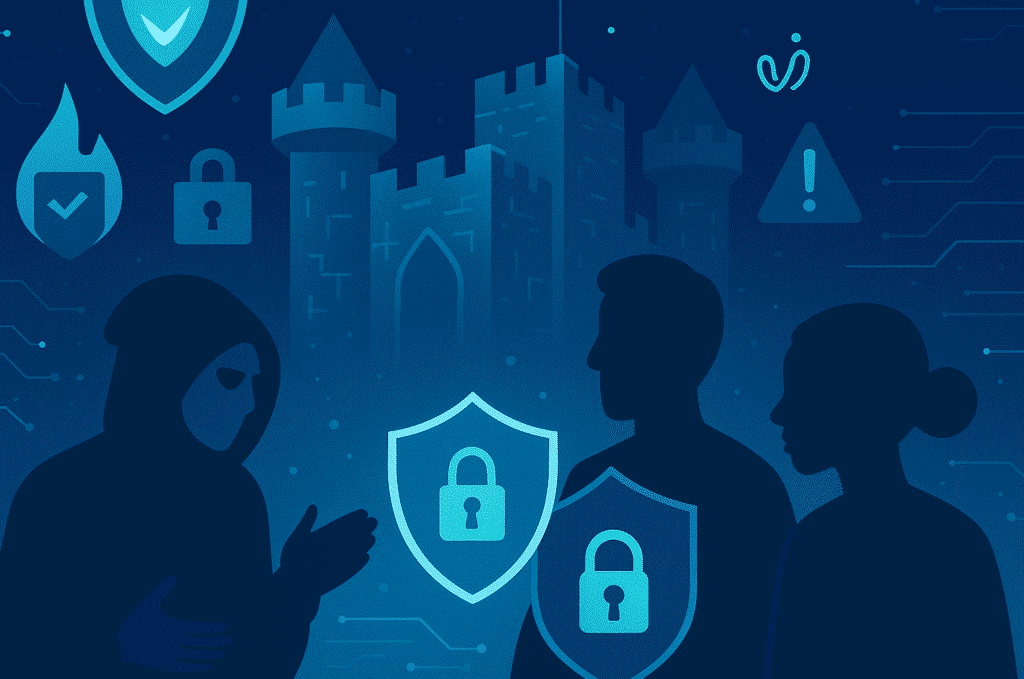


Imagine starting your week with messages from clients asking why their website is now showing shady product ads—or worse, a “miracle investment opportunity” signed with your agency’s name. Instead of planning campaigns, you’re forced to manage a crisis. A hacked site doesn’t just affect your client; it directly affects your agency, your reputation, and your revenue stream.
Although it may sound extreme, automated attacks happen every day. And in an agency—where you manage multiple sites, accounts, and access points—the risk multiplies.
Web security is no longer optional; it’s an operational pillar that determines the trust, stability, and scalability of your business.
For an agency, security isn’t just about protecting one site. It’s about:
Web security becomes a business asset:
a secure site means fewer crises, greater efficiency, stronger client retention, and more authority as a provider.
Understanding threats helps you anticipate them. Among the most common:
In an agency, a single incident can quickly escalate into a multisite crisis.
Below are 22 recommendations tailored to agencies, where scalability, structure, and precision are essential.
Many attacks exploit WordPress default settings. Improve security by:
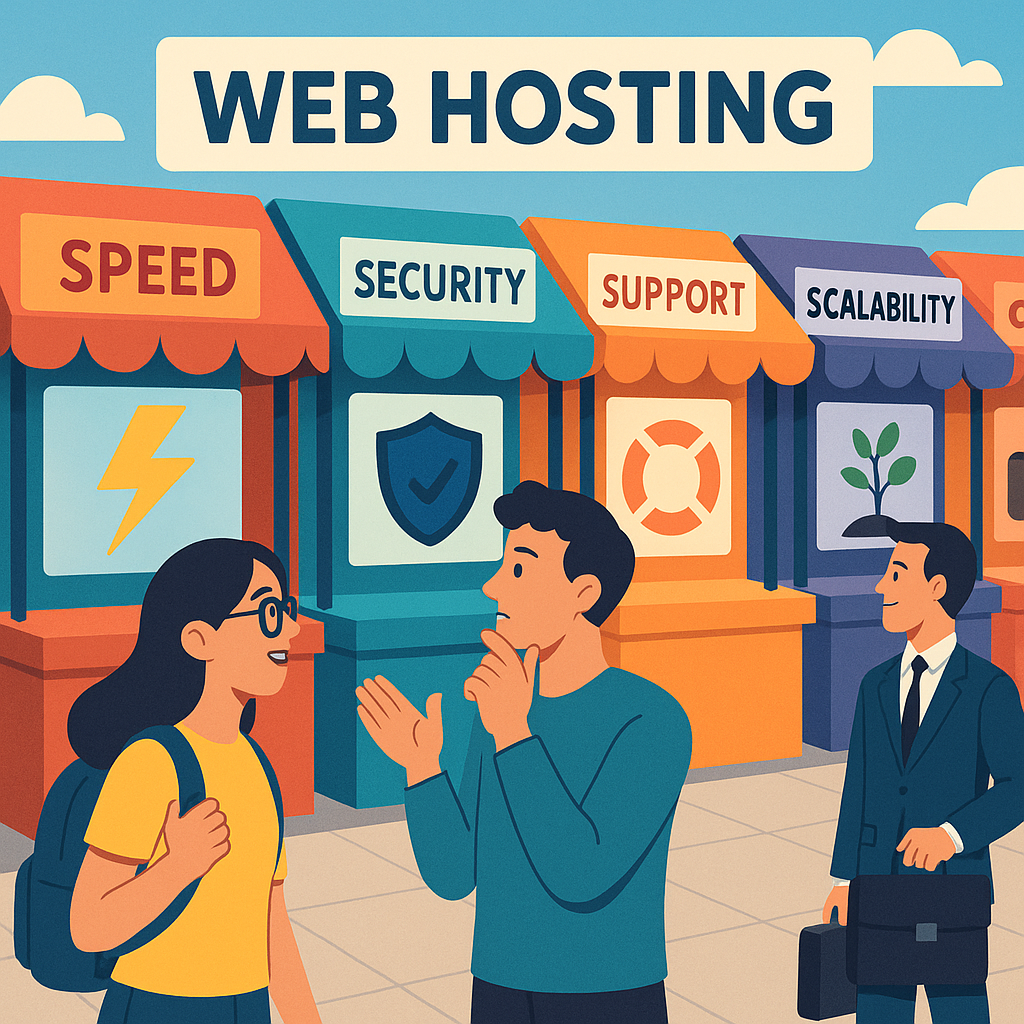
Prioritize providers with:
Avoid shared hosting for important projects.
HTTPS encrypts data exchanged between your site and your visitors, protecting against various attacks while increasing user trust.
SSL certificates are typically obtained through your hosting provider.
Ideal for teams working across multiple environments and roles.
Proper permissions prevent unauthorized changes.
Use SFTP or SSH to manage them effectively.
Security headers determine how browsers handle your content and help prevent vulnerabilities such as XSS and clickjacking.
A WAF filters malicious traffic before it reaches your site, protecting against SQL injections, brute-force attempts, and more.
A CDN distributes your content across multiple servers, improving load times and adding a layer of DDoS protection.
Weak credentials are one of the easiest entry points for attackers.
Best practices:
Adds an extra layer of security that significantly complicates unauthorized access.
WordPress roles have clearly defined permissions.
Follow the least privilege principle to reduce the risk of accidental damage or access.
Security plugins provide malware scanning, firewalls, and more. Several reliable options exist for self-hosted sites.
Poorly coded or outdated plugins and themes introduce serious vulnerabilities.
Only install from reputable sources.
Inactive items can still create risk.
Audit regularly and remove anything unnecessary.
Updates often patch known vulnerabilities—apply them promptly.
Backups are essential for restoring your site in case of an issue.
Use automated solutions for files and databases.
Only collect and store essential user data to reduce the impact of potential breaches.
Automate spam detection to prevent legal issues and the spread of harmful links or content.
Keep logs of user actions and site changes—this makes troubleshooting and threat detection easier.
Consistently educate yourself on evolving security risks.
Subscribing to trustworthy newsletters is helpful.
Ensure all users understand how to identify threats and follow proper procedures.
Routine scans detect vulnerabilities or malware early, allowing proactive action.
Define:
Investing in web security is crucial for protecting your content, user data, and reputation. Given the prevalence of automated attacks, it’s clear that every site is at risk. Fortunately, implementing effective security measures is usually straightforward.
Ensure your hosting provider offers high-quality managed solutions and commit to regular evaluations and updates to your site’s security health.
If you’re working on projects related to website security and need WordPress development support, WordPressOngoing can help.
We focus on building long-term partnerships by offering high-quality work, fast problem-solving, and consistently responsive communication—so your team can move forward with confidence.



Empower Your WordPress Journey

If you’re working on WordPress-related projects and need dependable WordPress development support, WordPressOngoing can help. We focus on building long-term partnerships by delivering high-quality work, fast solutions to issues, and consistently responsive communication—so your team can move forward with confidence.


